 County Control
Docs The CAD
Keyboard and command line
Every shortcut, and the command line that lets a dispatcher work without the mouse.
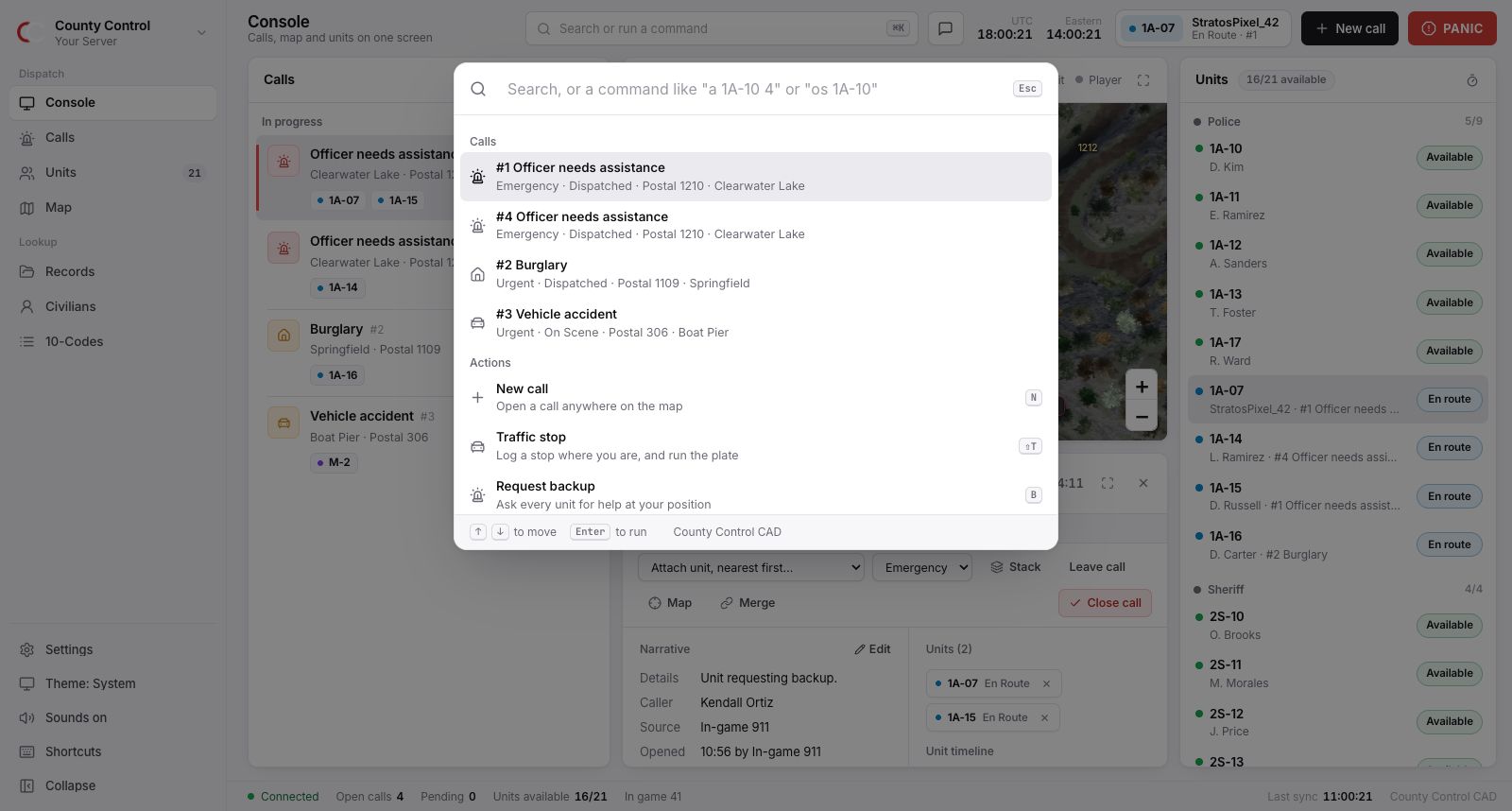
The command palette
Press CtrlK (⌘K on a Mac) or /. Type to find any call by number or type, any unit by callsign or name, any page, or any action. A name or plate with no other match runs as a records search. Move with the arrow keys and press Enter.
The command line
Type a command into the palette. It shows what it will do before you press Enter.
| Type | What it does |
|---|---|
a 1A-10 4 | Assign 1A-10 to call #4. |
d 1A-10 | Detach 1A-10 from its call. Type d #4 to detach every unit from call #4. |
os 1A-10 | Set 1A-10 on scene. Also av, er, bz and oos. |
er | Set your own unit en route. Any status code on its own sets yours. |
c 4 | Close call #4. |
p 4 1 | Set call #4 to the first priority. |
st 4 1A-12 | Stack call #4 on 1A-12. |
m 1A-10 text | Message 1A-10. Use all or dispatch instead of a callsign. |
Shortcuts
They work anywhere in the CAD, except while you are typing in a box. Press ? in the CAD for this list.
| Key | What it does |
|---|---|
| CtrlK or / | Search, or run a command |
| 1 to 9 | Go to a page |
| V | Hold to talk on the radio |
| N | New call |
| D | Send the recommended units to the selected call |
| A | Assign a unit to the selected call |
| C | Close the selected call |
| Esc | Deselect, close a panel, or go back |
| M | Messages |
| E / O | Your unit en route / on scene |
| S | Set your status |
| T | Add a note to your call |
| ShiftT | Traffic stop |
| B | Request backup |
| P / R | Run a person / a plate |
| ? | Show the shortcuts |
Something unclear or out of date? Tell us in the support server.