 County Control
Docs The CAD
Messages and the dispatch board
Write to one unit, to every unit or to dispatch. Messages reach units in the CAD and in-game.
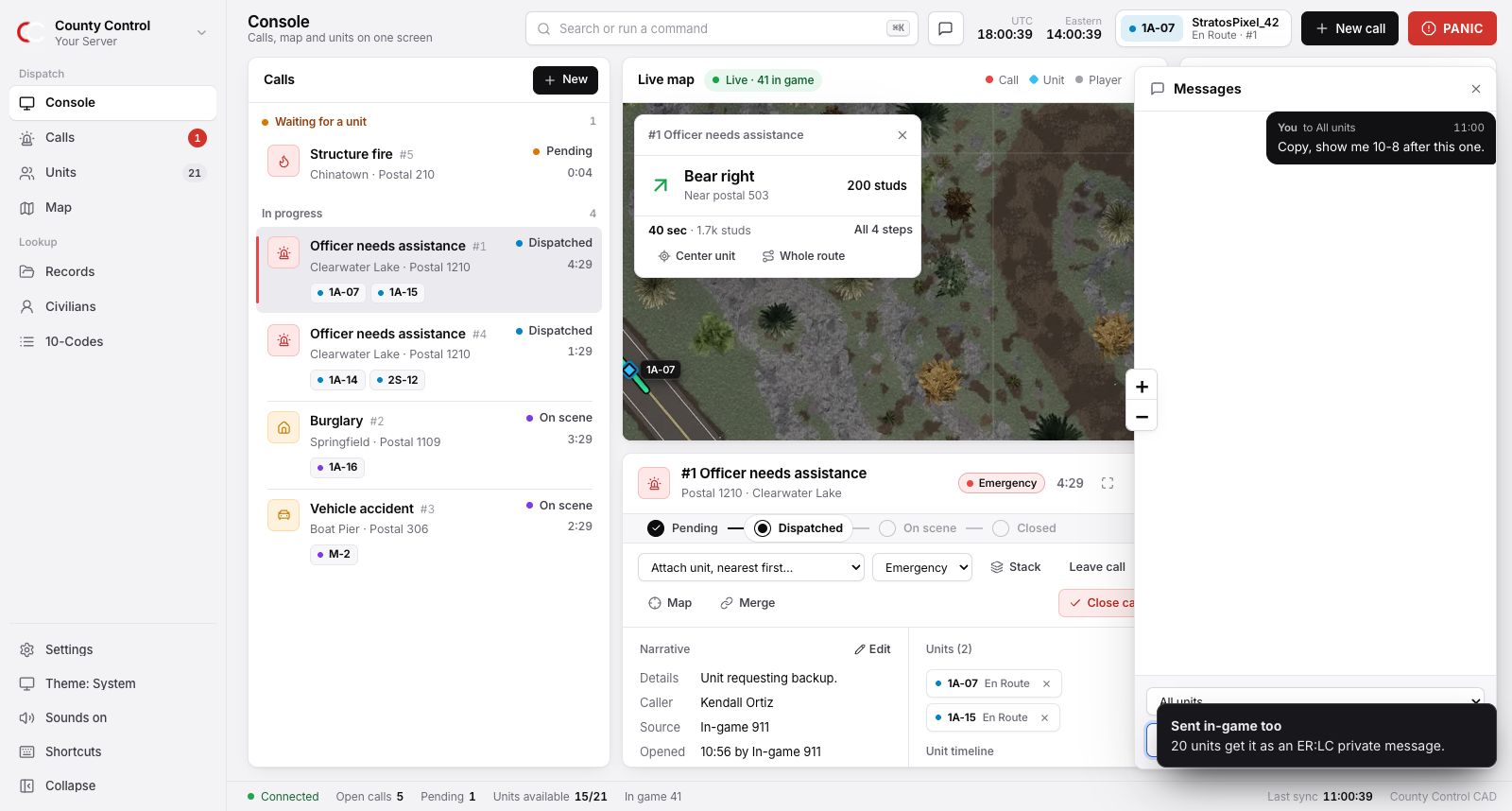
Messages
Press M, or click the speech bubble in the header. Pick who it is for (a unit, All units or Dispatch), type and press Enter. A red number on the bubble counts what you have not read, and new messages play a sound.
From the command line it is one line: m 1A-10 meet me at postal 210. Right-click a unit on the board and choose Message to start a message to them.
In-game delivery
Messages to a unit, or to all units, also reach them in ER:LC as a private message from the bot, like [CAD] Dispatch: what's your 20?. So do:
- being assigned a call, attaching yourself to one, or being handed a stacked one;
- being detached from a call by a dispatcher;
- backup requests and panics from other units;
- status checks;
- dispatch board notices, when the dispatcher ticks Also send it in-game.
Only units in the game at that moment get them. ER:LC allows one command every 5 seconds per server, so a message to many units arrives one unit at a time. Admins can turn in-game delivery off on the Settings page.
The dispatch board
A notice across the top of every CAD on the server: a Signal 100, a closed road, a change of policy for the night. Open CtrlK and choose Post a dispatch board notice. A Notice is quiet. An Alert plays a tone on every CAD. It stays until a dispatcher clears it.
Something unclear or out of date? Tell us in the support server.